
Volkswagen Golf Service & Repair Manual: Removing and installing engine mountings
|
|
|
|
|
 Supporting engine in installation position
Special tools and workshop equipment
required
Support bracket -10 - 222 A-
...
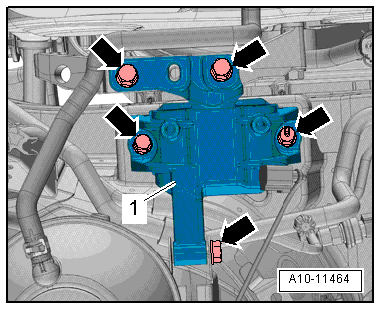
 Removing and installing gearbox mounting
Removing
–
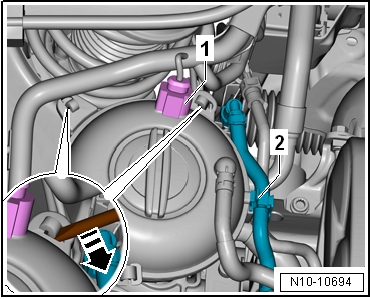
Release hose clips -1- and
-2-, and remove air pipe.
– ...
Other materials:
Installing roof reinforcement to body, estate with sliding sunroof
Special tools and workshop equipment
required
Electric cutter -V.A.G 1561A
Scraping blade -V.A.G 1561/20
...
Removing and installing subframe with steering rack, LHD vehicles, except
for e-Golf
Special tools and workshop equipment
required
Ball joint puller -T10187-
Torque wrench -V.A.G 1332-
Remov ...
Tachograph
In many European countries there is an obligation to install
and use a tachograph on vehicles (including passenger vehicles)
that serve purely for commercial purposes to transport goods
where their maximum permissible weight including drawbar trailer
or ...
