
Volkswagen Golf Service & Repair Manual: Removing and installing centre console trim in footwell
 Note Note
|
|
|
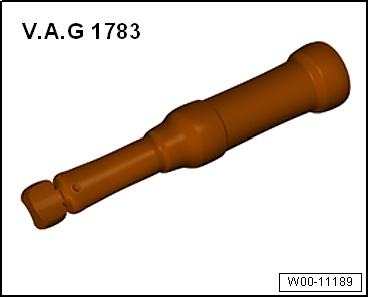
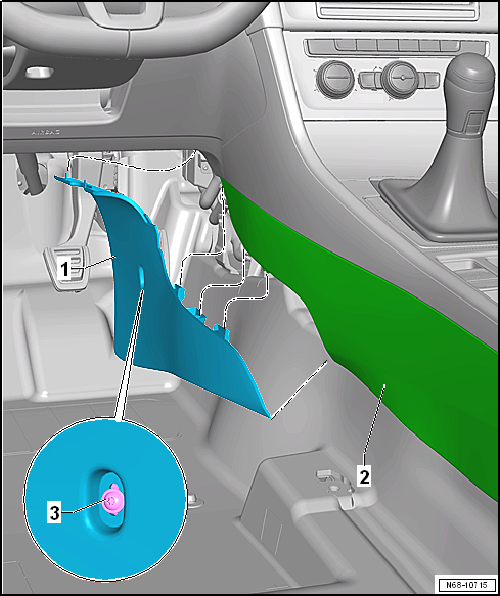
| – | Remove bolt -3-. |
| – | Pull centre console trim in footwell -1- downwards out of mountings in centre console -2- and remove it. |
Note
|
 Removing and installing rear centre console trim
Special tools and workshop equipment
required
Removing
–
Move front seat ...
 Removing and installing trim for operating and display unit
Removing
–
Starting at bottom, unclip trim for operating and display
unit -1- from operating and display
unit -2- and remove it.
...
Other materials:
Installing brackets for parking aid system
Special tools and workshop equipment
required
Installation tool for PDC bracket -VAS 6614
Materials
Cartridge gun ...
Removing and installing model designation on radiator grille
Note
The description applies for all emblems. Here the “GTI”
emblem is shown as an example.
Removing
–
Removing radiator grille
→ Chapter
– ...
Removing and installing headlight range control motor -V48-/-V49- (dual
halogen headlights)
Note
Removal and installation are described for the left side.
Removal and installation on the right side are carried out in
the same way.
If headlight range control motor cannot be removed as
described, headli ...
