
Volkswagen Golf Service & Repair Manual: Removing and installing trim panel for dash panel
|
|
|
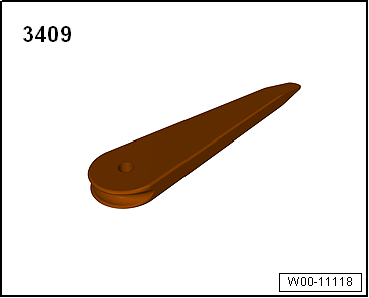
 Note Note
|
|

 Removing and installing dash panel end cover
Note
Removal and installation is described for the dash panel
end cover on driver side. Follow same instructions for the front
passenger side as approp ...
 Removing and installing light switch trim
Special tools and workshop equipment
required
Torque wrench -V.A.G 1783-
...
Other materials:
Notes on repairs to contact housings and connectors
Note
Observe the general notes on repairs to the vehicle
electrical system
→ Chapter.
Allocation of the appropriate crimp contacts to the contact
housings is by way of the part number stamped on the ...
Aqua Premium system, blending system for 2-stage colours
Issued 04.2013
Product description/objectives
To attain visually perfect colour transition in blending
area or to adjacent parts such as wings or doors.
Technical data sheet
Substr ...
Removing and installing left temperature flap control motor -V158-, RHD
vehicles
Special tools and workshop equipment
required
Vehicle diagnostic tester
First carry out the following work:
–
Switch off all electrical consumers.
–
...
