Volkswagen Golf Service & Repair Manual: Nuts and bolts
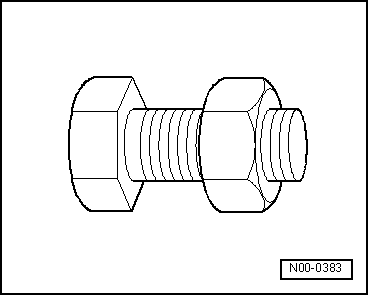
| Loosen and tighten securing bolts and securing nut for
covers and housings diagonally. |
| Specified torques settings are specified for unoiled bolts
and nuts. |
| Threads of bolts secured with locking fluid must be cleaned
with a wire brush. Then insert bolts with locking fluid -AMV 185 101 A1-. |
| Threaded holes into which self-locking bolts or bolts coated
with locking fluid are screwed, must be cleaned (e.g. with a
thread chaser). Otherwise there is a danger of bolts shearing
when subsequently being removed. |
| Always renew self-locking bolts and nuts. |
|
|
|
After removing gaskets and seals, always inspect contact
surface of housing or shaft for burrs resulting from removal or
for other signs of damage.
...
Allocation gearbox - engine
Golf 2013 ►, Golf Estate 2014 ►
Always take account of the gearbox code if ...
© 2016-2026 Copyright www.vwgolf.org


 Gaskets, seals
 Technical data